Explore the menu
Customers view food, drinks, prices and available choices on the touchscreen.

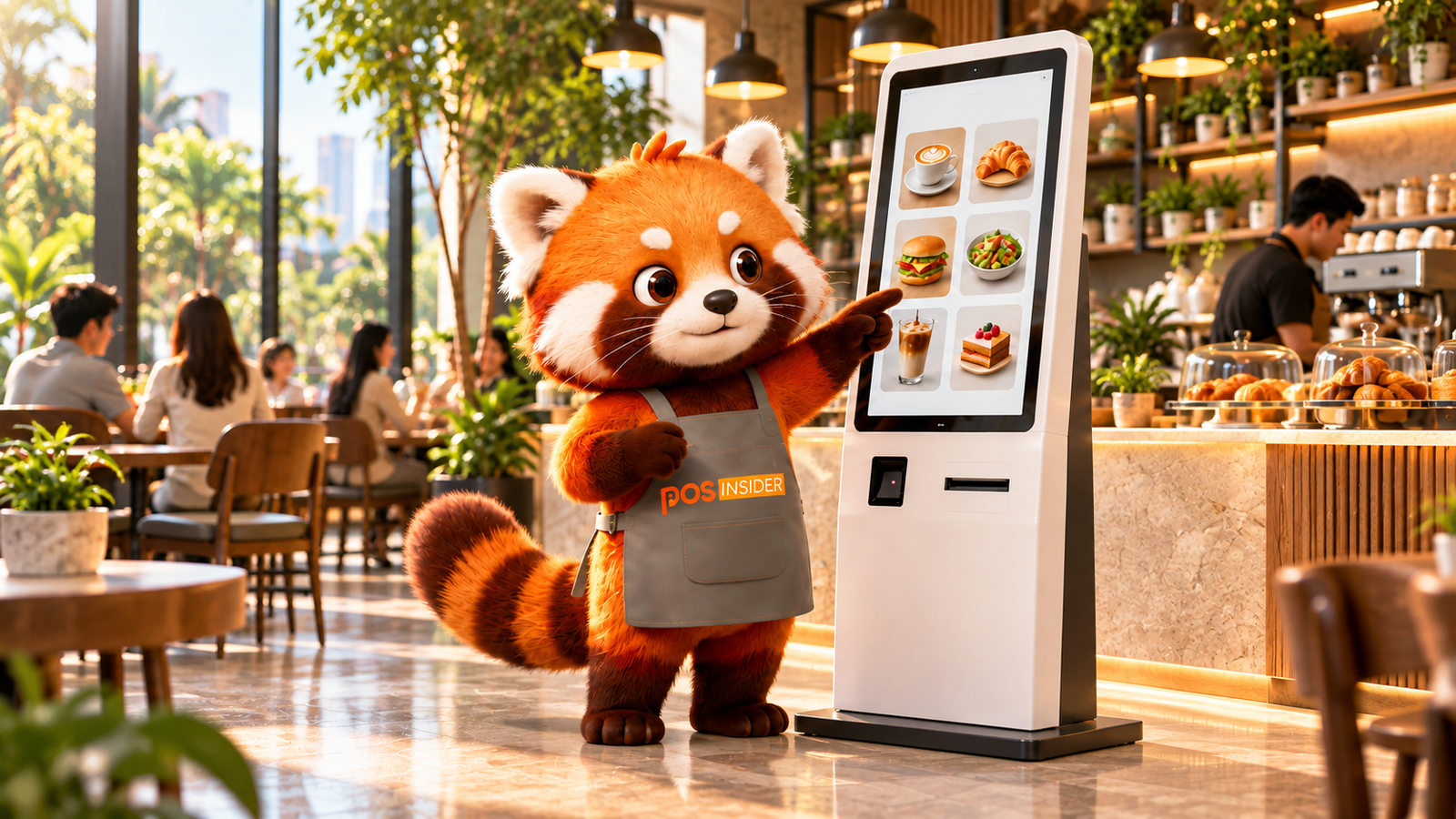
A self-service ordering kiosk lets customers browse a menu and place their own food or drink order on a touchscreen. POS Insider helps cafés, F&B operators and canteens plan a setup that fits their payment, POS and kitchen workflow.
Use a simple self-order flow to give customers time to explore choices while your team concentrates on preparation and service.
Customers view food, drinks, prices and available choices on the touchscreen.
They select items and review the order before submission.
QR and other payment options can be discussed against the selected kiosk and provider.
Compatible setups can route confirmed orders to a kitchen printer or display.
We plan around your busiest period, menu, ordering rules and the people who use the space.
Give guests a clear way to browse meals, drinks and add-ons, especially when the counter gets busy.
Support quick-service ordering and a more consistent handoff from customer selection to food preparation.
Plan for shift changes and short meal breaks when many employees order within a limited window.
Review menu access, payment requirements and supervision needs for students, staff and cafeteria operators.
Customers can see a visual menu and submit their order at a dedicated kiosk. POS Insider can assess the hardware, software, payment and kitchen connections needed for your operation.
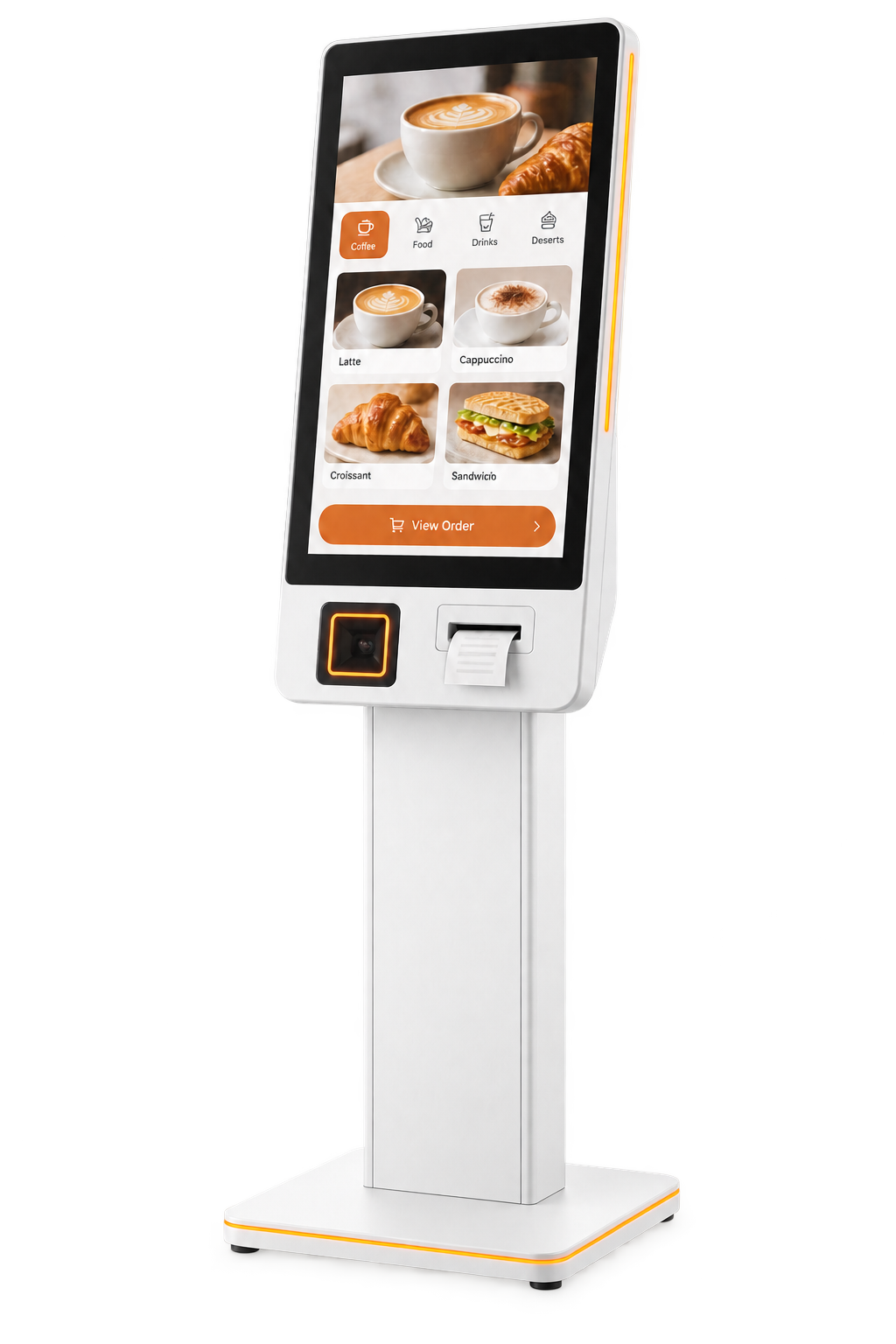
POS Insider is based in Penang and helps Malaysian businesses compare POS system options and customer-facing ordering workflows. Tell us where the kiosk will be used, how many people order at peak time, which POS you use and how kitchen tickets are handled. We can then discuss a suitable configuration and demonstration.
It is a customer-facing touchscreen that lets people browse a menu and place their own order. Depending on the configuration, it may also connect to payment, POS and kitchen systems.
It may be useful when counter queues build during peak periods or customers need more time to explore a menu. The decision depends on available floor space, order volume, budget and the existing service model.
Yes, a factory canteen is a potential use case. The setup should account for shift peaks, menu changes, payment rules and kitchen capacity.
A kiosk can support cafeteria ordering, subject to the institution’s payment, supervision, accessibility and operating requirements.
QR payment depends on the kiosk software and payment provider. During a demo, confirm how the customer scans, when payment is marked complete, and when the paid order reaches the kitchen.
A compatible setup can route a confirmed order to a kitchen printer or display. Check whether that happens before or after payment, how changes are handled, and what staff see during the demo.
There is no single price for every venue. Hardware size, kiosk software, payment integration, kitchen printing, installation and the number of units affect the quotation. Share your venue and current POS for a relevant proposal.
A kiosk is the customer-facing ordering point. Whether its orders and payments connect to your existing POS depends on the selected software and integration. Bring your current POS details to a demonstration so the workflow can be checked.
Share your menu, busiest ordering period, current POS, preferred payment methods and how kitchen tickets are received. Floor space, power and network access also help determine a practical kiosk configuration.
Tell us your venue, peak order volume, current POS and payment requirements. We’ll discuss a practical kiosk demo for your operation.